• People's Choice
      • Back
      • Consulting
          • Back
          • J2EE
              • Back
              • Websphere
          • Collabortation
              • Back
              • IBM Connections
          • OpenSource
          • Kontakt
      • build:skills
          • Back
          • Colaboration
              • Back
              • Admin
                  • Back
                  • W-A-S
                  • WPS
              • AppDev
                  • Back
                  • W-A-S
                  • WPS
                  • Web Experience Factory
          • Kontakt
          • Notes/ Verse
              • Back
              • Admin
              • Development
              • Interfaces
          • OpenSource
          • Literatur
          • Schedules
      • Schedule
      • Cloud
          • Back
          • Container
  • Jobs
      • Back
      • Offers
  • Über uns
  • Support
      • Back
      • FAQs
          • Back
          • Groupware
          • Traveler
          • WebSphere
          • Office
          • OpenSource
          • Other
      • Sonstiges
          • Back
          • Meldungen
          • IBM Infos
          • Lotus
          • WebSphere
          • Redbooks
          • Docker
          • Kubernetes
      • News
          • Back
          • Domino
          • Traveler
          • WebSphere
          • WebSphere Portal
          • Connections
          • Sametime
          • Docker
          • Kubernetes
      • Download
          • Back
          • WebSphere
          • Notes
          • Other
      • Discussion
  • Log in
Entwicklungsbuch

Bewertung: 5 / 5

This guest post is written by Prakhar Srivastav, Senior Software Engineer at Google.
Check out the Dive-In Docker Extension
Anyone who’s built their own containers, either for local development or for cloud deployment, knows the advantages of keeping container sizes small.In most cases, keeping the container image size small translates to real dollars saved by reducing bandwidth and storage costs on the cloud.In addition, smaller images ensure faster transfer and deployments when using them in a CI/CD server. However, even for experienced Docker users, it can

Just published by Docker: Read more

Bewertung: 5 / 5

This post was co-written with Eduardo Silva, Founder and CEO of Calyptia.
Manage observability pipelines with the Calyptia Core Docker Extension.
Applications produce a lot of observability data.And it can be a constant struggle to source, ingest, filter, and output that data to different systems.Managing these observability data pipelines is essential for being able to leverage your data and quickly gain actionable insights. In cloud and containerized environments, Fluent Bit is a popular choice for marshaling data across cloud-native environments.A super fast, lightweight, and highly scalable

Just published by Docker: Read more

Bewertung: 5 / 5

This article was co-authored by Advait Ruia, CEO at SuperTokens.
Integrate open source user authentication with the SuperTokens Docker Extension.
Authentication directly affects the UX, dev experience, and security of any app.Authentication solutions ensure that sensitive user data is protected and only owners of this data have access to it.Although authentication is a vital part of web services, building it correctly can be time-consuming and expensive.For a personal project, a simple email/password solution can be built in a day, but the security and reliability requirements of production-ready

Just published by Docker: Read more

Bewertung: 5 / 5

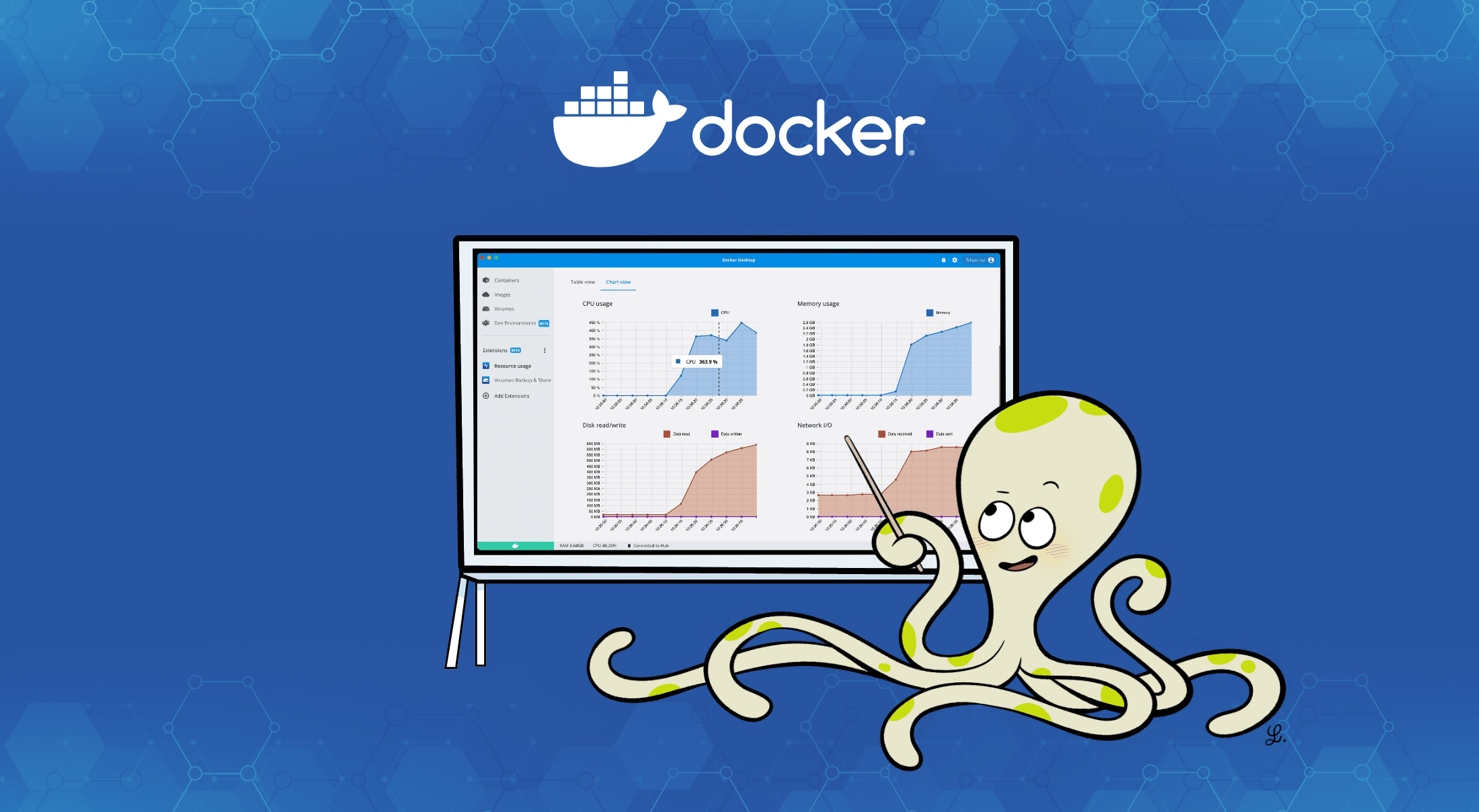
See the resources used by Docker with the Resource Usage extension.
Docker has a built-in stats command that makes it simple to see the amount of resources your containers are using.Just drop $ docker stats in your CLI and you’ll get a read out of the CPU, memory, network, and disk usage for all your running containers. But this command only gives you a current moment in time.What if you wanted to see the evolution of the resources over time?Or see how much CPU and memory a Docker Compose project is using?

Just published by Docker: Read more

Bewertung: 5 / 5

Docker Desktop 4.15 is here, packed with usability upgrades to make it simpler to find the images you want, manage your containers, discover vulnerabilities, and work with dev environments.Not enough for you?Well, it’s also easier to build and share extensions to add functionality to Docker Desktop.And Wasm+Docker has moved from technical preview to beta! Let’s dig into what’s new and great in Docker Desktop 4.15.
Improvements for macOS

Move Faster with VirtioFS — now GA

Back

Just published by Docker: Read more

Weitere Beiträge …

  1. Find and Fix Vulnerabilities Faster Now that Docker’s a CNA
  2. November 2022 Newsletter
  3. November Extensions Roundup: Kubernetes Observability, API Testing, and More
  4. Enable Cloud-Native Log Observability With Parseable
  5. How Rapid7 Reduced Setup Time From Days to Minutes With Docker

Seite 10 von 23

  • 5
  • 6
  • 7
  • 8
  • 9
  • 10
  • 11
  • 12
  • 13
  • 14
© 1999 - 2026 IT Knäpper
  • Nutzungsbedingungen und Disclaimer
  • |
  • Unsere Philosophie
  • |
  • Datenschutz
  • |
  • WIR
Feed-Einträge
Back to top